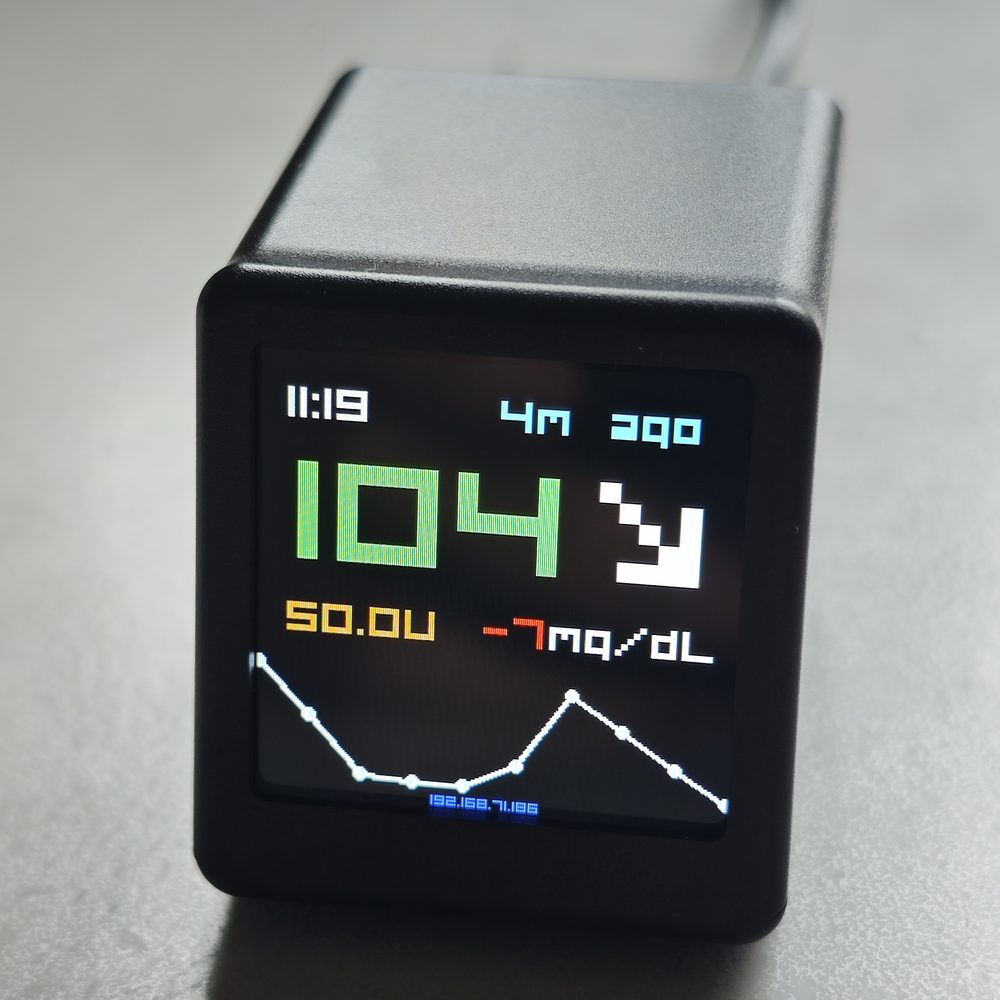
BGMate mini·Glucose, on its own screen
Glucose you can see without reaching for it.
BGMate mini is a small, always-on display that shows your glucose and nothing else. No unlocking, no app, no 3 a.m. squinting at a phone.
- Always on
- No buttons
- Nightscout · LibreView · Dexcom
Why this exists
The number is never missing. It is just always one tap away.
Your sensor is already doing the work. The reading exists, right now, on a server somewhere. Getting to it is the part that costs you something.
3:14 in the morning
You wake up and reach for a lit rectangle. Unlock it, open the app, wait for it to refresh, squint. Three seconds that feel like three minutes.
Hands full
Cooking, driving, holding a child. The phone is in the other room, or in a pocket, or face down on a table you cannot reach.
Someone else’s number
If you look after a child or a parent, you are not the one wearing the sensor. A screen on the shelf beats handing over your phone and your password.
The short version
A screen. Not another ecosystem.
BGMate mini does not measure anything. It does not replace your sensor, your app or your alarms. It takes the number you already have and puts it somewhere you can actually see it.
- An always-on glucose display
- Your existing Nightscout, LibreView or Dexcom data
- One browser-based setup, done once
- No sensor, no transmitter, no subscription
- No BGMate account, no cloud of ours
- No phone in the middle
What you get
Six things, all of them boring in the best way.
Everything below is on the manual, not in the deck.
Always on.
The screen never sleeps and never asks to be woken. It is a small lamp that happens to know your glucose.
No buttons. No menus.
There is nothing to press and nothing to navigate. Nothing to change by accident at three in the morning.
One frame, everything.
Value, trend arrow, delta, sensor age and the shape of the last few hours — one glance, no scrolling.
It reads your stack.
Nightscout, LibreView or Dexcom. Whichever one already holds your data, that is the one it talks to.
Setup is a web page.
It broadcasts its own Wi-Fi and serves a form at 10.10.10.10. No app store, no account, no pairing dance.
Your units, your thresholds.
mg/dL or mmol/L. Four alarm levels you set yourself — Urgent High, High, Low, Urgent Low.
Read the screen
Six elements. Nothing decorative.
If it is on this screen, it is there because you check it.
Actual layout, redrawn. The screen is never off, so there is no wake gesture to learn.
Worth knowing before you buy: BGMate mini has no speaker. Highs and lows change the colour of the number instead of waking the house — which is the point at night, and a limitation in a noisy room. Keep your sensor’s own audible alarms on.
Five minutes, once
Join its Wi-Fi. Open a browser. Done.
No app, no account, no pairing. The device serves its own setup page.
BG Mate Init… and shows Version 1.00.
BG Portal. Password 12345678.
2.4 GHz only. 5 GHz networks are not supported — if your router uses one name for both bands, split them or pick the 2.4 GHz SSID.
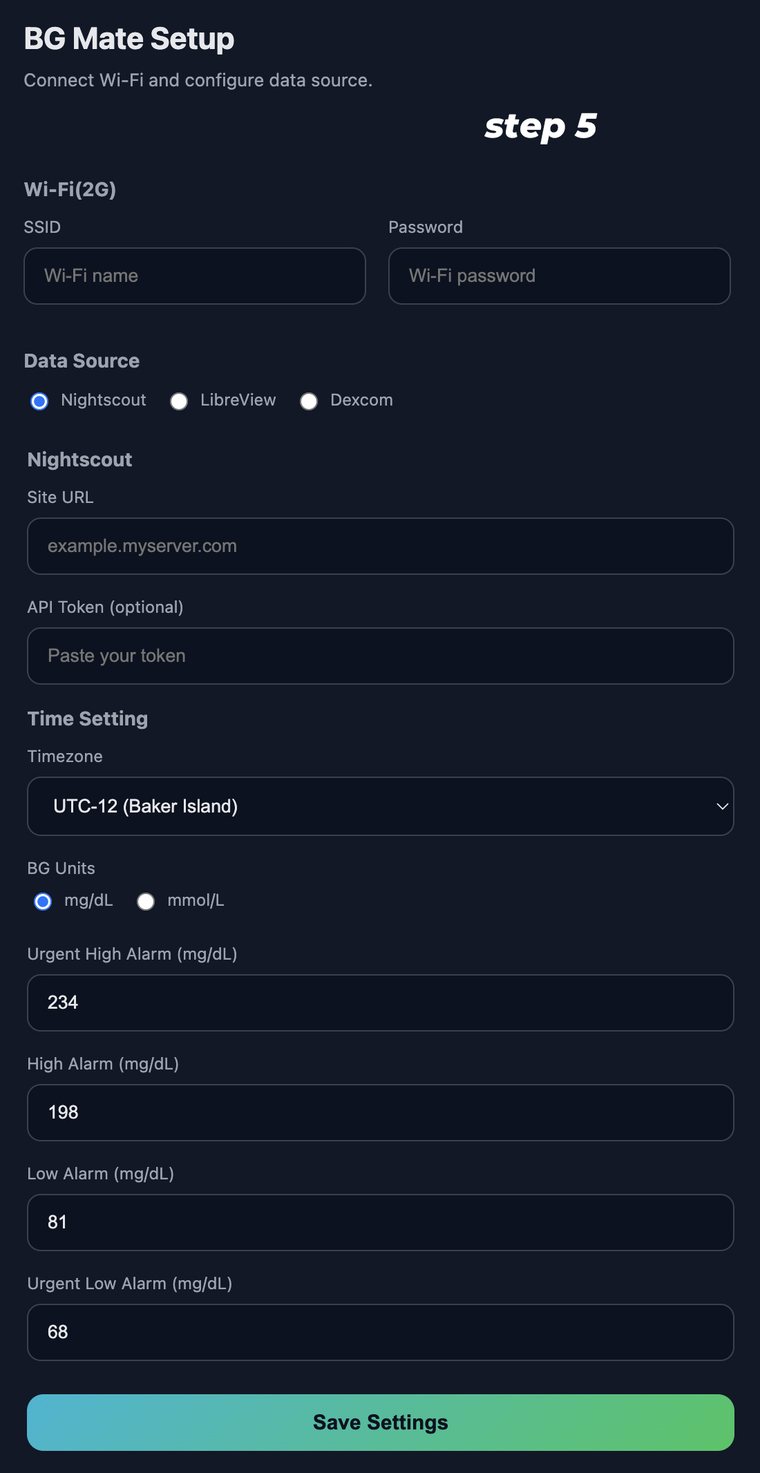
The actual setup page, on the device.
Where it lives
Six places it earns its keep.
On the nightstand
One glance instead of one unlock. The room stays dark because the screen does not have to be bright.
In the kitchen
On the counter, next to the kettle. You see the number while both hands are busy.
On the desk
Beside the keyboard, at the edge of your vision. No tab switching, no phone pickups.
In a parent’s room
A number on a shelf is easier to explain than an app, and it does not need their phone.
In a child’s room
You can see how the night is going without opening a door, turning on a light or waking anyone.
As a gift
For the person who already has the sensor and the app and still squints at their phone.
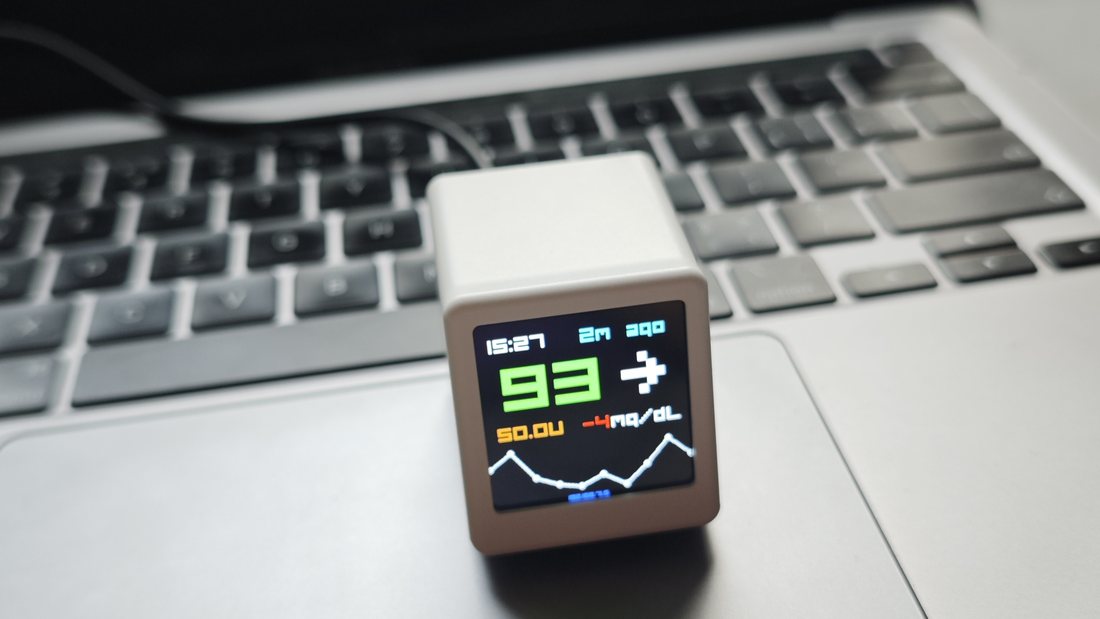
Small enough to sit where you already work. It draws its power from the same USB-C charger as everything else on the desk.
Three finishes
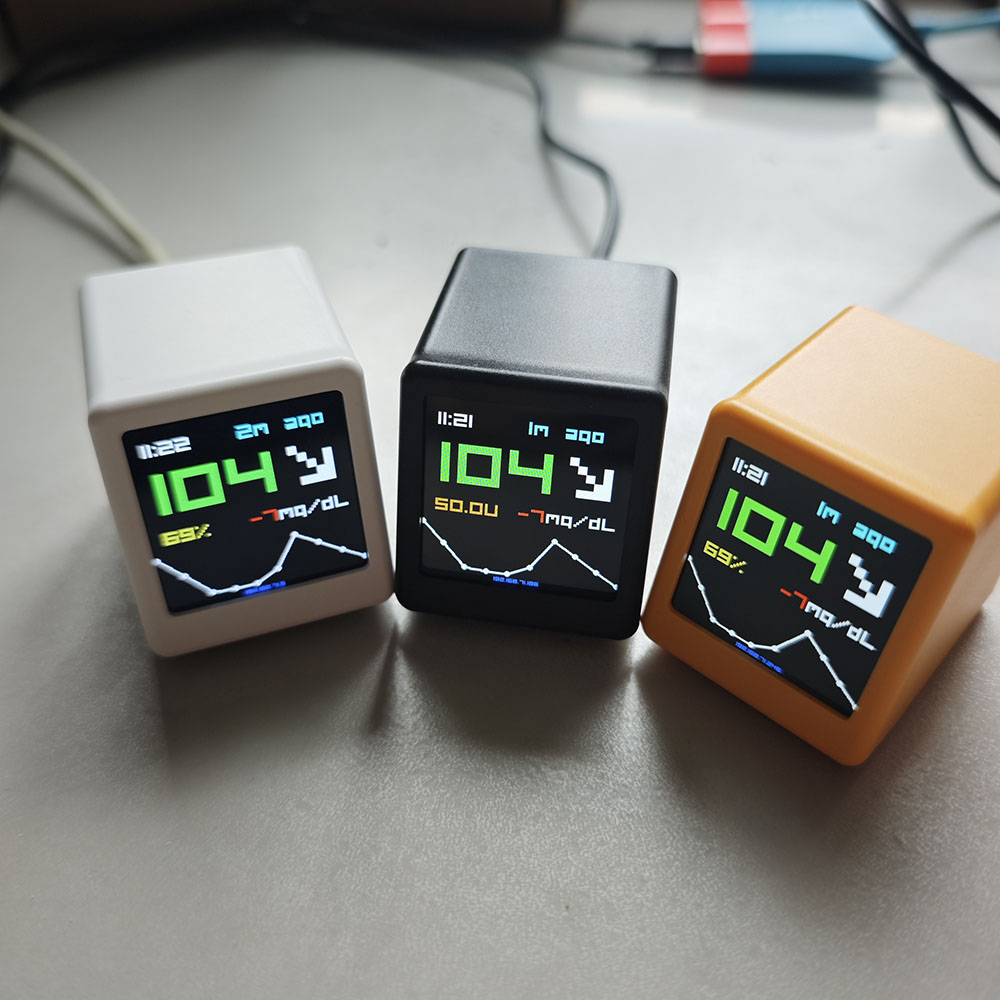
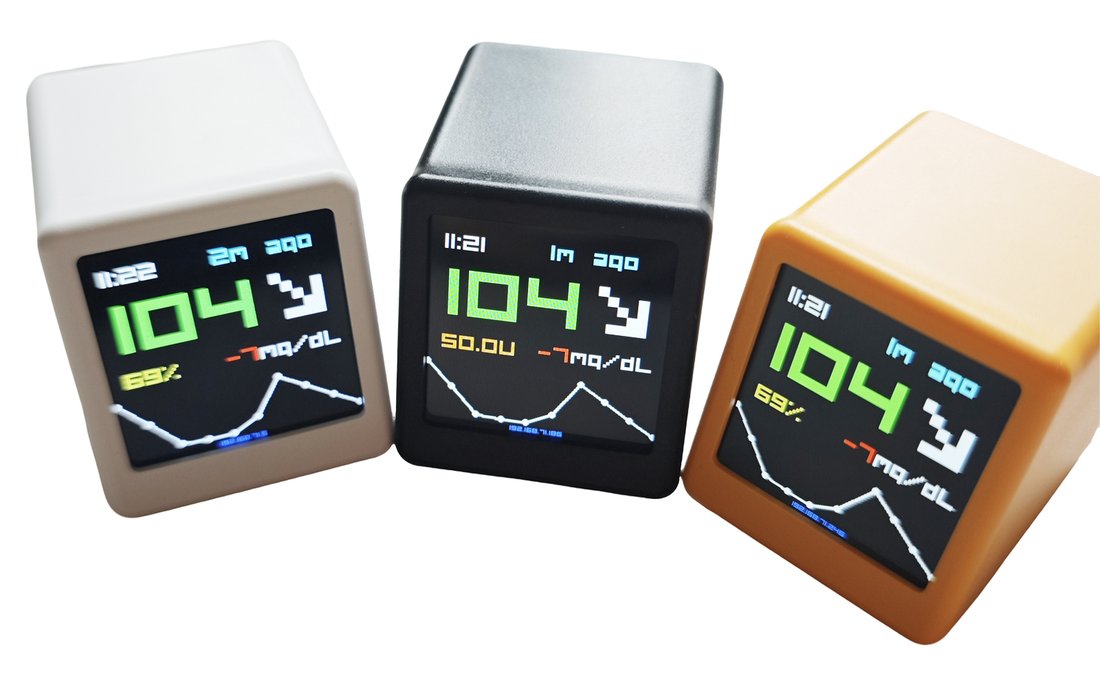
Three finishes. One cable.
The same screen and the same setup in every one. Pick whichever disappears into the room you are putting it in.
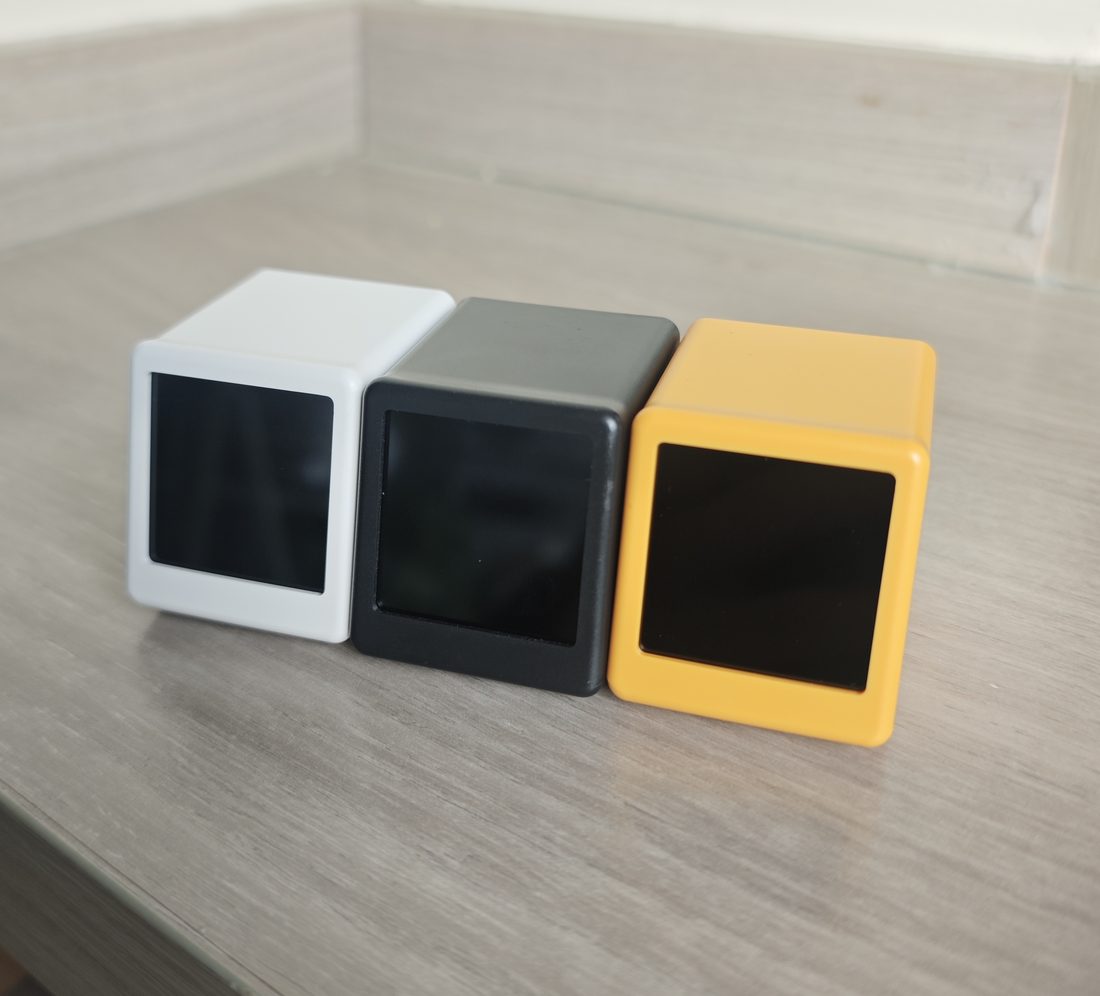
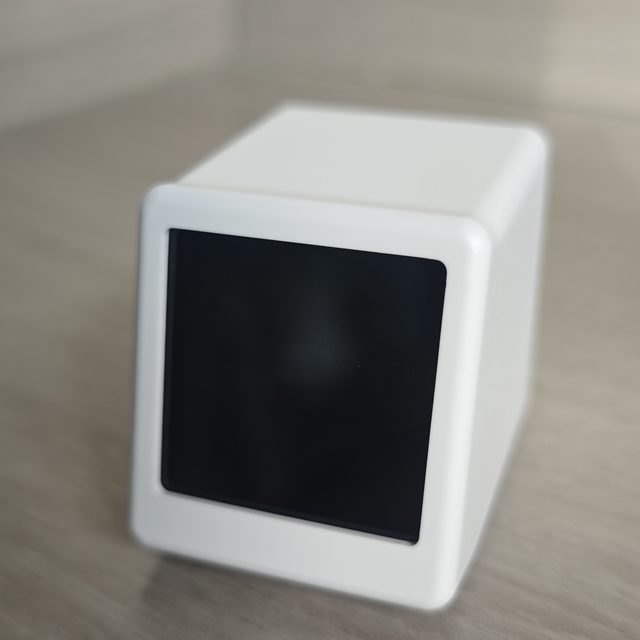
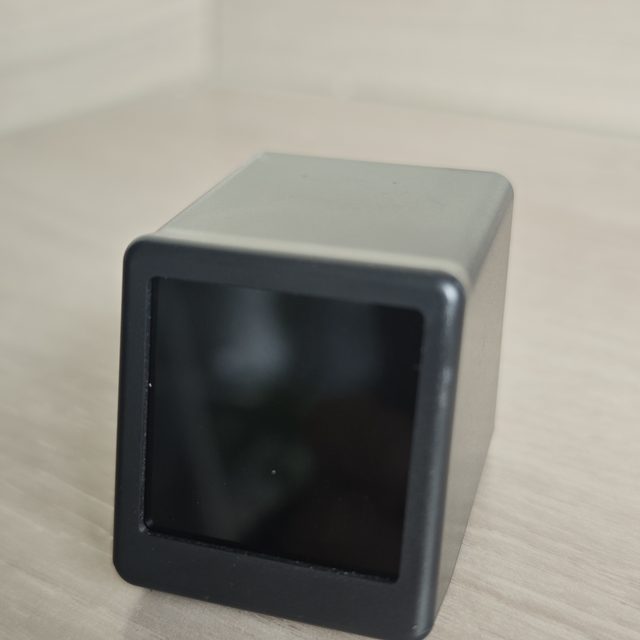
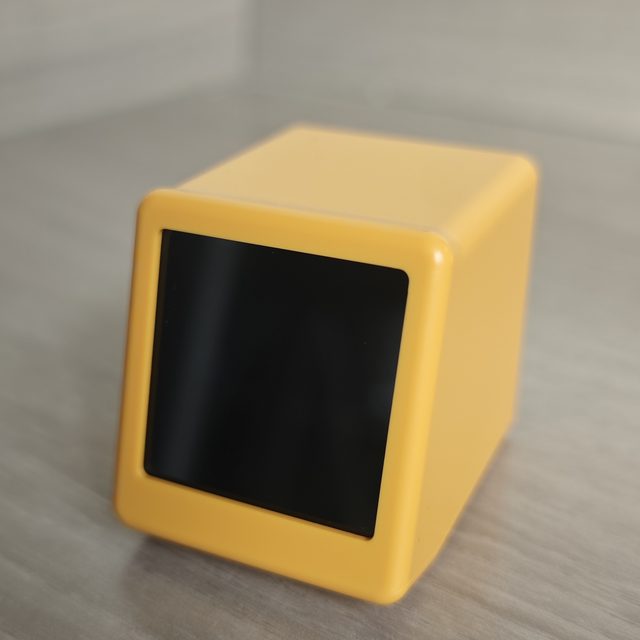
All three have the same soft-touch shell, the same screen and the same single USB-C port on the back. Nothing changes but the colour.
The fine print
The numbers, straight from the manual.
| Display | Always-on colour screen: clock, sensor age, glucose value, trend arrow, delta and a trend graph. |
| Data sources | Nightscout (site URL, optional API token) · LibreView · Dexcom. |
| Units | mg/dL or mmol/L, set once during setup. |
| Alarm levels | Urgent High, High, Low, Urgent Low. Defaults 234 / 198 / 81 / 68 mg/dL. Shown as colour on the value — there is no speaker. |
| Wi-Fi | 2.4 GHz only. 5 GHz is not supported. |
| Setup | Device hotspot BG Portal, password 12345678, setup page at 10.10.10.10. |
| Power | USB-C, 5 V. 1 A or higher recommended. |
| Boot screen | BG Mate Init… with the firmware version, then your IP address once it joins the network. |
| Finishes | White, graphite, amber. |
Buy it if. Skip it if.
A good fit if you
- Already use Nightscout, LibreView or Dexcom
- Want the number in the room, not another app
- Look after someone else’s glucose as well as your own
- Would rather not unlock a phone at night
- Want something that works without a subscription
Not a good fit if you
- Need the display itself to sound an alarm
- Want something that measures glucose on its own
- Only have a 5 GHz network
- Expect to tap, swipe or configure it on the device
- Need it to control your pump
Questions we actually get
Questions people actually send us.
Do I need a new sensor?
No. BGMate mini does not measure anything. It reads the data your existing sensor already sends to Nightscout, LibreView or Dexcom.
Which data sources work?
Three: Nightscout, LibreView and Dexcom. You pick one during setup and enter the details it asks for — for Nightscout that is your site URL and, if you use one, an API token.
Does it need internet?
It needs your Wi-Fi to reach your data source, so yes. The setup page itself is different: it is served by the device over its own hotspot, so you can configure it before it has ever been online.
Will it wake me up at night?
Not by itself. There is no speaker: highs and lows change the colour of the number. If you rely on audible alarms, keep them on your phone or your sensor’s own app.
My Wi-Fi is 5 GHz. Will it work?
Not on 5 GHz — BGMate mini is 2.4 GHz only. Most routers broadcast both; if yours uses a single name for both bands, split them in the router settings and use the 2.4 GHz one.
Does my data pass through BGMate?
There is no BGMate account and no BGMate cloud. The device requests the readings from the source you configured and shows them. Your data stays where it already is.
Can I move it between rooms?
Yes. It is one cable and one Wi-Fi network. Unplug it, carry it, plug it back in — it reconnects on its own.
BGMate mini is a display, not a medical device. It does not replace your CGM’s own alerts, your treatment decisions or your clinician’s advice.
The number is already there. Give it a screen.
One cable, one setup page, one glance. Then you stop thinking about where your glucose is, because it is on the shelf.
- Nightscout
- LibreView
- Dexcom